ANIMATED EMOTES
Animated Emote Maker
Generate your emote, then bring it to life — GIF + MP4 for Twitch & Discord. Animate from $3.
 emotemaker.ai
Generate your emote, then bring it to life — GIF + MP4 for Twitch & Discord. Animate from $3.
Text-to-video makes mushy emotes. We animate a finished image instead, so the motion is added to your character — same face, same style, now moving.
Describe your character and expression. The AI creates a clean, transparent emote in about 30 seconds.
One click. An AI video model adds motion that fits the emotion — bouncing hype, streaming tears, shaking rage.
Every Twitch size (28/56/112) and Discord (128), ready to upload. The static PNGs come with it.
Animated emote commissions are the most expensive kind — frame animation is slow, skilled work. AI changes the math completely.
| EmoteMaker AI | Commission | |
|---|---|---|
| Price per animated emote | from $3 | $80–300+ |
| Turnaround | a few minutes | 1–3 weeks |
| Revisions | regenerate anytime | $ per revision |
| Formats | GIF + MP4, all sizes | varies |
| Commercial license | included | negotiated |
Animate your character with waves, laughs, rage shakes and other motion. Choose a preset or describe your own animation.
Start from a fresh AI generation or animate an emote you already have. The image-to-video workflow keeps your character on-model.
Every animation exports as both GIF and MP4, sized for Twitch (28/56/112px) and Discord (128px). No converting, no resizing.
A finished animated emote in a couple of minutes. Animators charge $80+ per emote and take weeks — and charge again for changes.
Animate the same character across every emotion so your channel's reaction set moves together — hype, sad, GG, rage.
No subscription required. Animate a preview for $3 as a guest, or use 35 credits for a 5-second animation in the editor (70 for 10 seconds).
Twitch (28/56/112px) · Discord (128px) · YouTube (48px) — all included
Generate yours above, then animate the one you love.

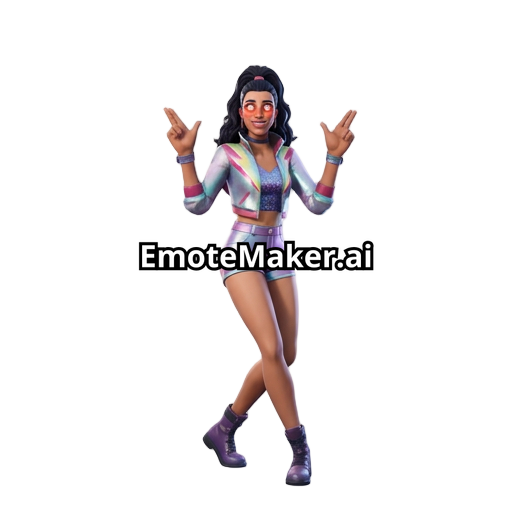
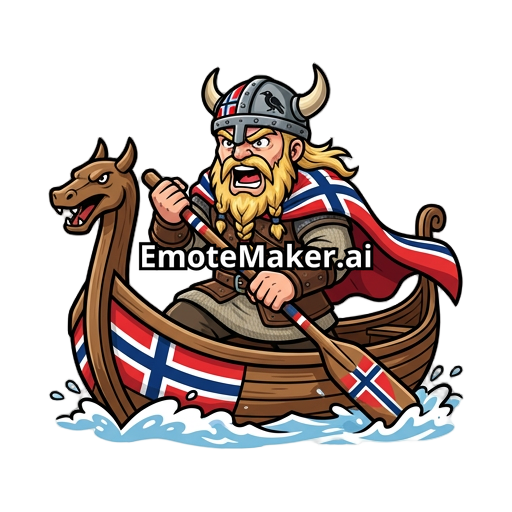
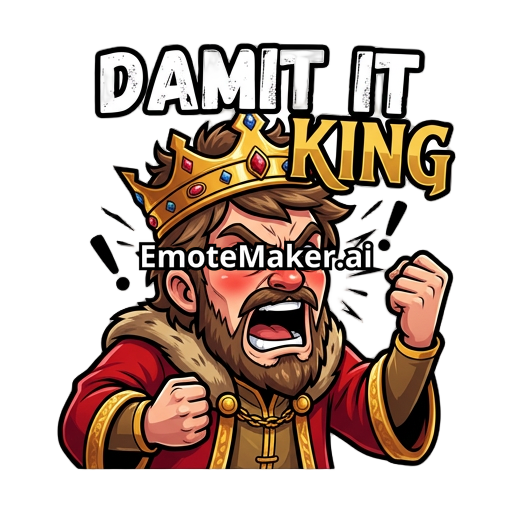
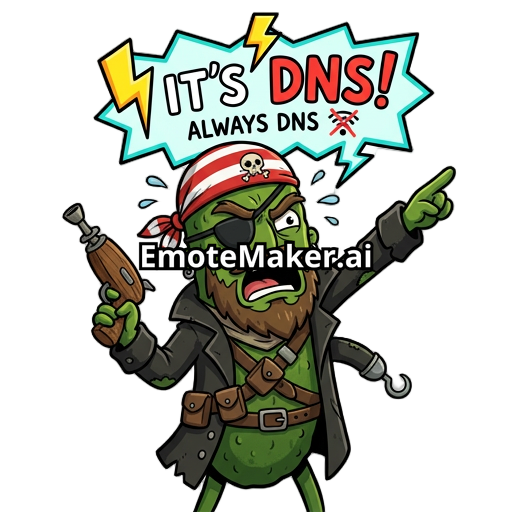
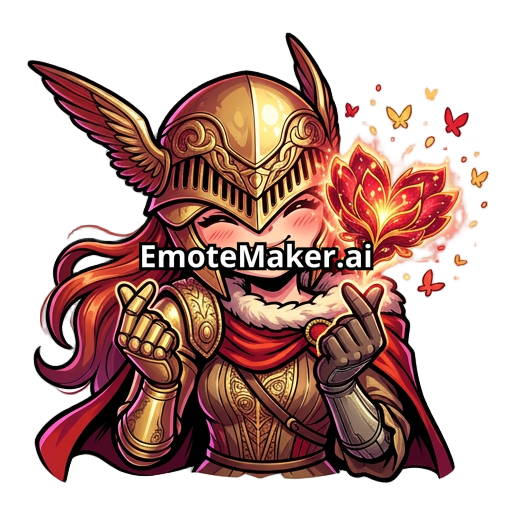
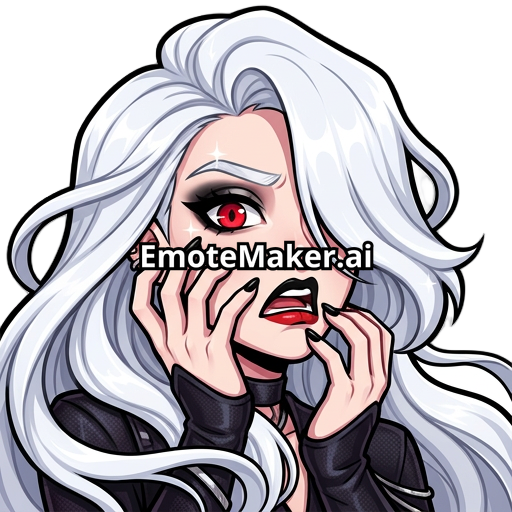
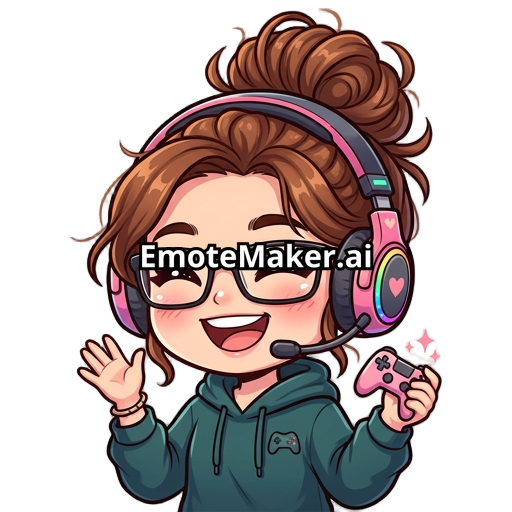
Two steps: generate (or upload) a static emote, then the AI animates it using an image-to-video model. Starting from an image instead of text keeps your character consistent — the animation is your emote moving, not a new character. You get GIF and MP4 files in every platform size.
$3 to animate a generated preview as a guest ($4 bundled with the clean download). In the editor, animation costs 35 credits for a 5-second clip or 70 for 10 seconds. Credit packs start at $5 and never expire.
Yes. Twitch supports animated emotes in GIF format (28, 56, and 112px — Affiliate or Partner required to upload them), and Discord supports animated emotes on servers with Nitro/boost perks (128px). We export exactly those sizes.
Yes. Sign in, add your emote to the editor (upload or pick from your library), and hit animate. The image-to-video workflow works with any square emote image with a clear subject.
Usually 1–3 minutes depending on the model. Kling 2.5 Turbo is the default — best quality-for-price for emote-length clips.
Still have questions? Visit the help center