Custom emotes and emojis for your server in 30 seconds. Type a prompt, get a transparent 128×128 PNG that uploads to Discord on the first try. Sign up free — first emote included.
Perfect 128×128 PNG format
Under 256KB file size limit
Transparent background
Works as server emote or sticker
Emotes that upload on the first try
Discord rejects the wrong size, the wrong format, or anything over 256KB. Every emote here is exported to spec, so you never get the “file too large” error mid-upload.
How to make custom Discord emotes that members actually use
A great Discord server emote isn’t just a picture that fits the 128×128 box — it’s a tiny reaction people reach for a hundred times a day. The best ones read instantly at thumbnail size, have a transparent background so they sit cleanly in any chat theme, and map to an emotion or in-joke your community already shares. That’s exactly what this generator is tuned for: describe the vibe, and it produces a clean, centered, high-contrast emote already exported to Discord’s spec.
How many emotes does your server actually need?
It’s tempting to fill every slot, but the servers with the liveliest chat usually run a tight set of 15-30 emotes that get used constantly. Start with a core reaction pack — a laugh, a cry, a hype, a “this”, an F — and grow from what your members actually type. Here’s what each boost tier unlocks:
No boost — 50 slots: Plenty for a core reaction set
Boost Level 1 — 100 slots: +50 slots, still static only
Boost Level 3 — 250 slots: Full custom emote library
Static vs animated (and the Nitro catch)
Static PNG emotes work for every member on every server, no Nitro required — start there. Animated (GIF) emotes are eye candy, but two Discord rules apply: animated server slots only unlock at Boost Level 2, and members typically need Nitro to use any custom emoji outside the server it lives in. So a static core set gives you the widest reach; add a few animated ones once you’re boosted. You can animate any emote you make here for $3.
The format rules, handled for you
Discord requires 128×128 pixels, PNG/JPG/GIF, and under 256KB — and it will silently reject anything that misses. Every download from this tool lands inside those limits with a transparent background, so the only thing left to do is name it. Speaking of which: keep names short, lowercase, and memorable (:pepehype:, not :my_cool_emote_final2:) — that’s the string members have to type, so friction there kills usage.
Study & focus: grind, deadline, coffee, brain, done, stuck, nap
Popular Discord emote ideas
Stuck on your first pack? These are the reactions members reach for most.
Reactions
happy, sad, angry, lol, shocked, pog
Expressions
love, cry, think, sleep, excited, blush
Actions
wave, dance, thumbs up, facepalm, hug, salute
Mascots & animals
cat, dog, panda, frog, capybara, alien
How to upload your emote to Discord
Three steps, about a minute. No resizing, no exporting, no editor.
1
Server Settings
Open Server Settings → Emoji (you'll need the 'Manage Emojis and Stickers' permission).
2
Upload Emoji
Click Upload Emoji and select your downloaded 128×128 PNG. Discord accepts it instantly.
3
Name & Save
Give it a short lowercase name like :hype: — that's what members type in chat. Done.
Standard credit-funded static exports include:
128×128 PNG (Discord standard)
Transparent background
Commercial use rights
+ Bonus: Twitch & YouTube sizes
Discord emotes made with our AI
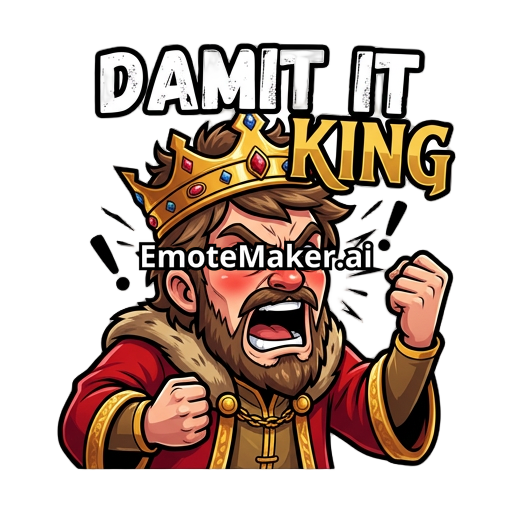
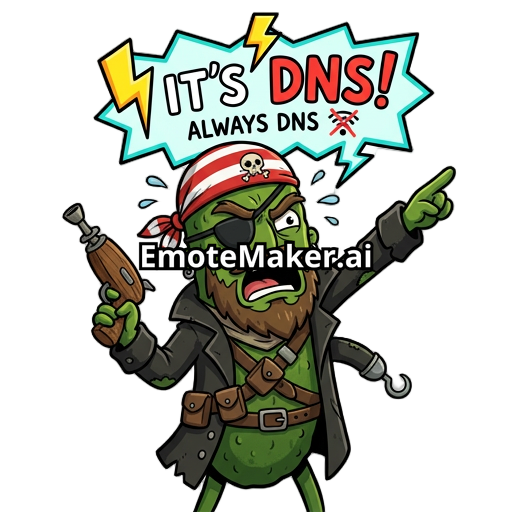
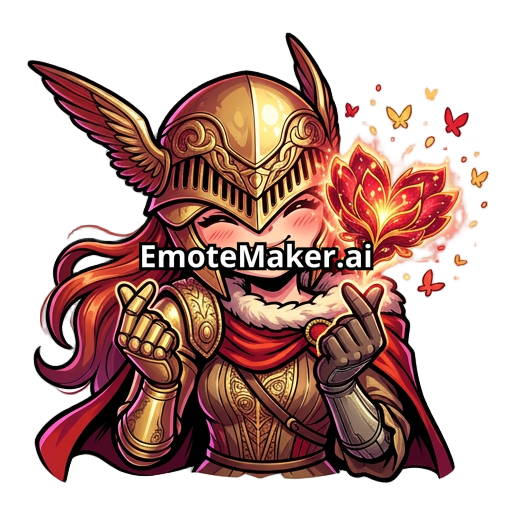
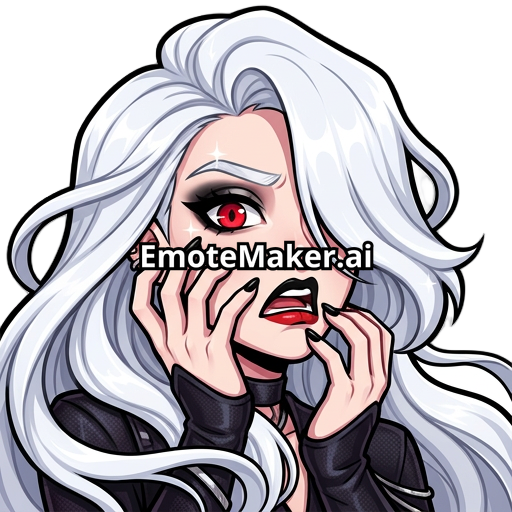
Reactions, expressions, and mascots — the kinds of custom emoji members actually spam in chat. Every one is transparent and sized for a Discord server.
Discord Emote FAQ
What size should Discord emotes be?
Discord server emotes must be 128x128 pixels or smaller, in PNG, JPG, or GIF format, and under 256KB. Our downloads are already optimized to these exact specs.
Can I use these as Discord stickers too?
Yes! Our emotes work as both server emotes (128x128) and can be adapted for stickers (320x320). The transparent background ensures they look clean in any chat.
How many emotes can a Discord server have?
Free servers get 50 emoji slots. Server Boost Level 1 adds 50 more (100 total), Level 2 adds another 50 (150), and Level 3 adds yet another 100 (250 total).
Do I need to be the server owner to upload emotes?
You need the 'Manage Emojis and Stickers' permission. Server owners have this by default, or any role with this permission enabled.
Can I animate Discord emotes?
Yes! After generating your static emote, add animation for $3 to get an animated GIF. Note: only Nitro users can use animated emoji in Discord, but server-boosted servers can have animated server emotes.